Your portfolio,
always within reach.

Real-time stocks on your desktop. No browser needed.

Download from Microsoft Store
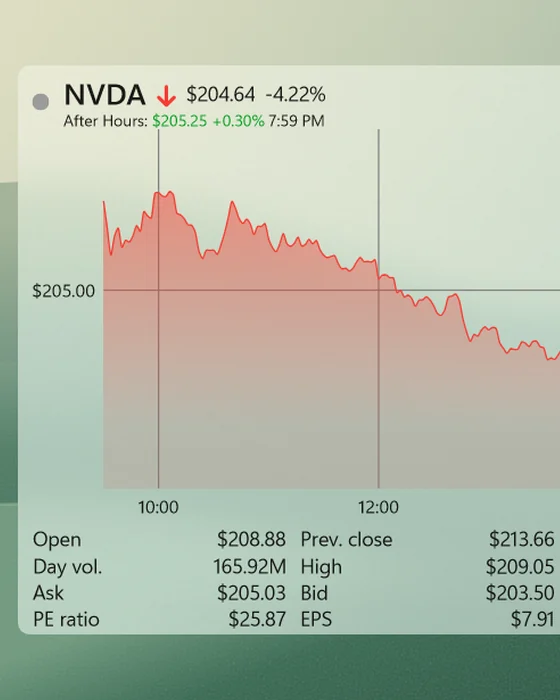
Composed workspace showing three genuine Swish stock widgets alongside File Explorer and Microsoft Word.

Make Swish work your way.

Find the instruments you follow, keep useful data in view, and stay up to date.
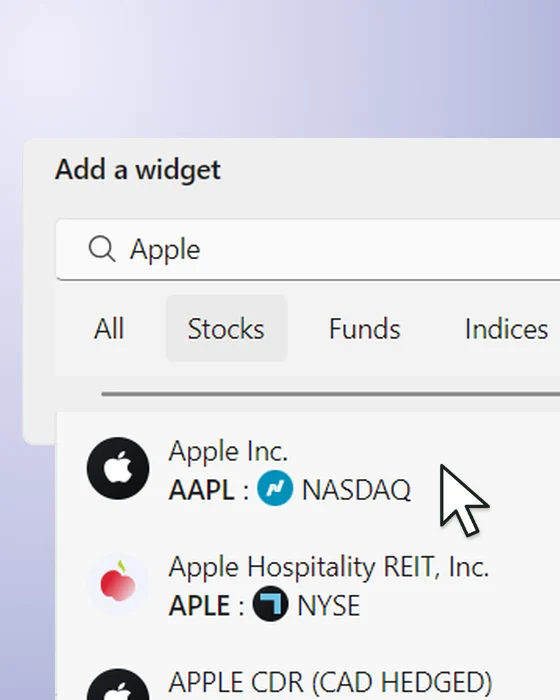
From search to your desktop.

Find an instrument, add its widget, and drag the corner to fit your layout. Stocks, ETFs and crypto share the same workflow.

Explore widget layout controls

Switch chart types and time ranges.

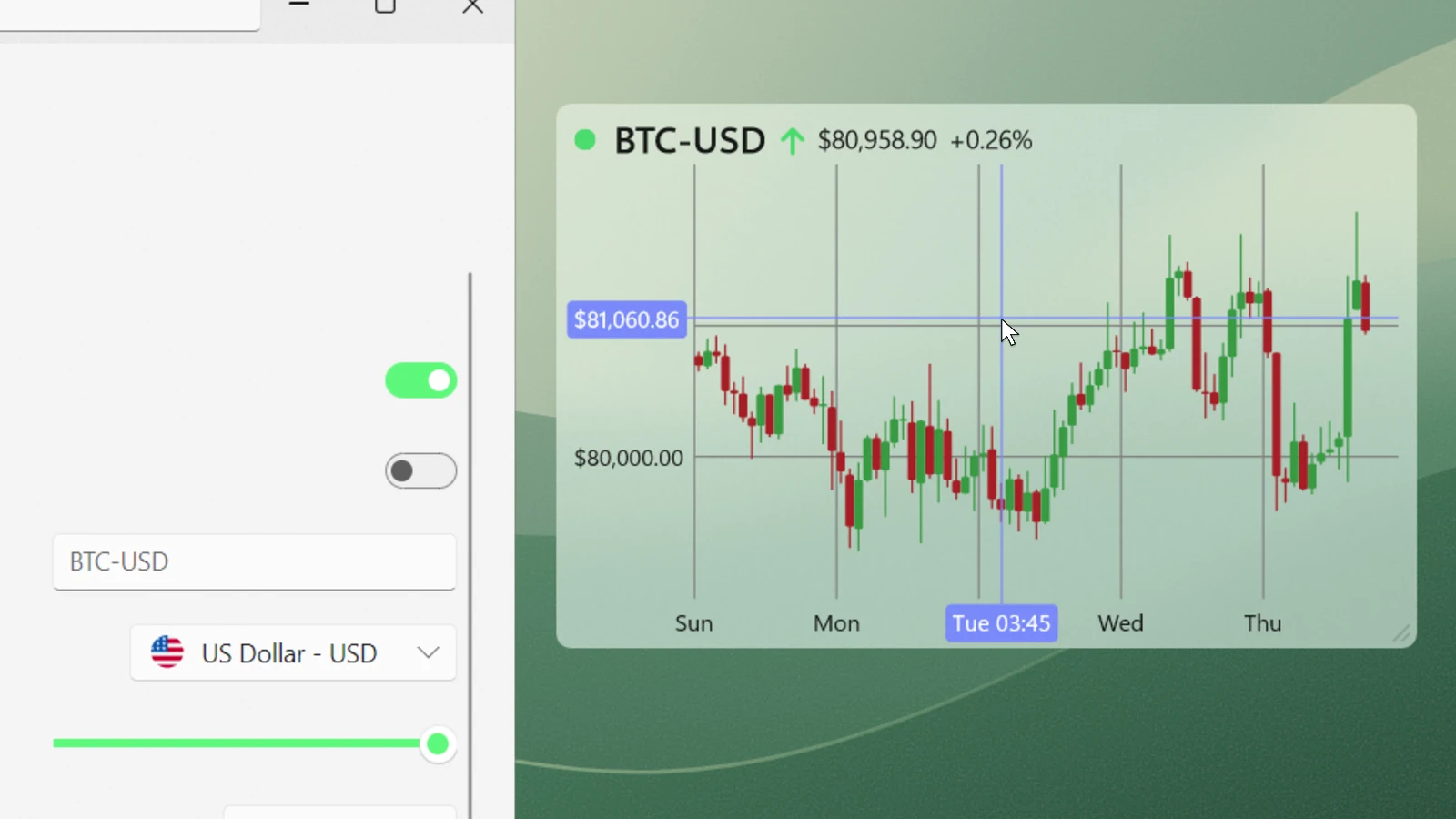
Switch from a line chart to candlesticks, then widen the view from one day to five. The same widget keeps the context in place.

Candlestick charts require Swish Pro.
Explore the chart controls

Swish's native chart settings beside a Bitcoin candlestick widget, with chart type and time-range choices.

Put price moves in context.

Follow a stock with the crosshair, then hold Shift and drag to compare two points. Swish shows the absolute and percentage change directly on the Windows widget.

Explore price measurement

Your colors. Your workspace.

Add more than three widgets with Swish Pro.

Choose shared foreground and background colors, turn acrylic off for a solid finish, and arrange the widgets around your workflow.

Explore custom colors

All features and plan availability

Swish Finance is a popular free app for tracking stocks on Windows 11, Windows 10 and macOS - right on your desktop. Choose from thousands of stocks, cryptocurrencies, and ETFs across 50+ exchanges. Add up to 3 widgets in total for free, including 1 crypto or ETF.

Get the official Swish (Stock Desktop Widget) app from Microsoft Store or the Mac App Store - free download, no browser needed.

  • Real-time chart & quote data

    Nasdaq, NYSE, LSE, Euronext, NSE, ASX and 50+ exchanges. Extended hours with Pro.

  • Candlestick, OHLC and line charts (Pro)

    Volume bars, full historical data and time ranges from intraday to multi-year. Crosshair and shift-drag.

  • Price alerts (Pro)

    Desktop notifications when a stock crosses your threshold. Visible as a dotted line on the chart.

  • Simulated holdings

    Buy/sell positions, dividends, broker fees, short positions. P/L on the widget and chart.

  • Currency conversion

    14+ currencies with live exchange rates. Each instrument can display in a different currency.

  • Built for battery life

    Rendered natively, with Direct2D and DirectX 11 on Windows and Metal and OpenGL on macOS. No Electron, no embedded browser.

  • Multi-monitor and grid alignment

    Snap-to-widget, margins, padding. Keybindings to switch views instantly.

  • Dark mode, light mode, your colors

    Native apps for macOS, Windows 11 and 10, including Windows ARM64. Acrylic blur and Fluent UI on Windows.

  • Free with up to 3 widgets

    More widgets, price alerts and advanced charts with Swish Pro. Monthly, annual or lifetime.

The details matter.
So does the
bigger picture.

Bring your simulated holdings into one overview. Example holdings shown for illustration.

Explore the Portfolio page

  • Allocation

    See how your holdings are distributed.

  • Profit and loss

    Separate realized and unrealized results.

  • Transactions

    Review buys, sells, and dividends.

About

Swish keeps your portfolio visible on your desktop - no browser tabs, no app switching. Real-time quotes update throughout the day while you work.

Built with native platform APIs, Swish feels at home on Windows and macOS. It started in 2020 and has been shaped by five years of user feedback into one of the top personal finance apps on Microsoft Store.

What's new

Simulated Holdings is Leveling Up

Explore the Swish Finance v14 Portfolio page to track holdings, transactions, allocation, dividends, and realized and unrealized profit and loss in one view.

Meet the new Swish Finance home page

Meet the new Swish Finance home page, with market news, trending tickers and events, plus the user-led improvements added so far in 2026.

A few things you might wonder.

All your questions, answered

Is Swish really free?

Yes. Start with up to 3 widgets in total, including at most 1 non-equity widget such as crypto or an ETF. Real-time quotes, line charts, themes, and simulated holdings are included. Optional Swish Pro upgrades unlock more.

Will it work on my computer?

Swish is available for Windows 10 and 11, including ARM64, and for macOS. Download from the Microsoft Store or Mac App Store. The recordings on this page show the Windows app; features can vary by platform.

Do I need to leave my browser open?

No. Swish is a native desktop app. Your widgets update independently of your browser, so you can close the tabs and keep the things you care about in view.

What do I get with Swish Pro?

Unlimited widgets, broader instrument access, price alerts, advanced charts, extended history, and extended-hours data. Choose a monthly, annual, or lifetime purchase in the app. Check your app store for current, local pricing.

Swish Finance

Your stocks, on your desktop.

Free download. Optional Swish Pro upgrades.